Project context
Files, images, and selected text
Attach files and images to chat and provide selected text or relevant project content for the task.
 Calvin Wong
Ming-Hei Wong
Mathematics · UT Knoxville

macOS software
LaTeX editing with Codex, Claude Code, and Antigravity.
TexMacgic is a free app. AI provider accounts and subscriptions are separate.
Use an agent inside your LaTeX project to review source, compile, inspect diagnostics, and check the PDF. TexMacgic connects separately installed command-line providers to editor and document tools through MCP.
Agent tools
Video introduction
AI and agentic integration
Power User mode connects your installed Codex, Claude Code, or Antigravity tool to TexMacgic. Chat accepts file and image context, and the agent can use the app’s editor, build, and document tools.
Project context
Attach files and images to chat and provide selected text or relevant project content for the task.
Build and inspect
The agent can use editor, compiler, diagnostics, PDF, SyncTeX, and TikZ tools while working on your document.
Review changes
Review proposed changes and grant approvals in the app. Local file history and reversible edits support checking or undoing changes.
AI features are optional. Provider accounts and tools are installed separately; see the setup and privacy details below.
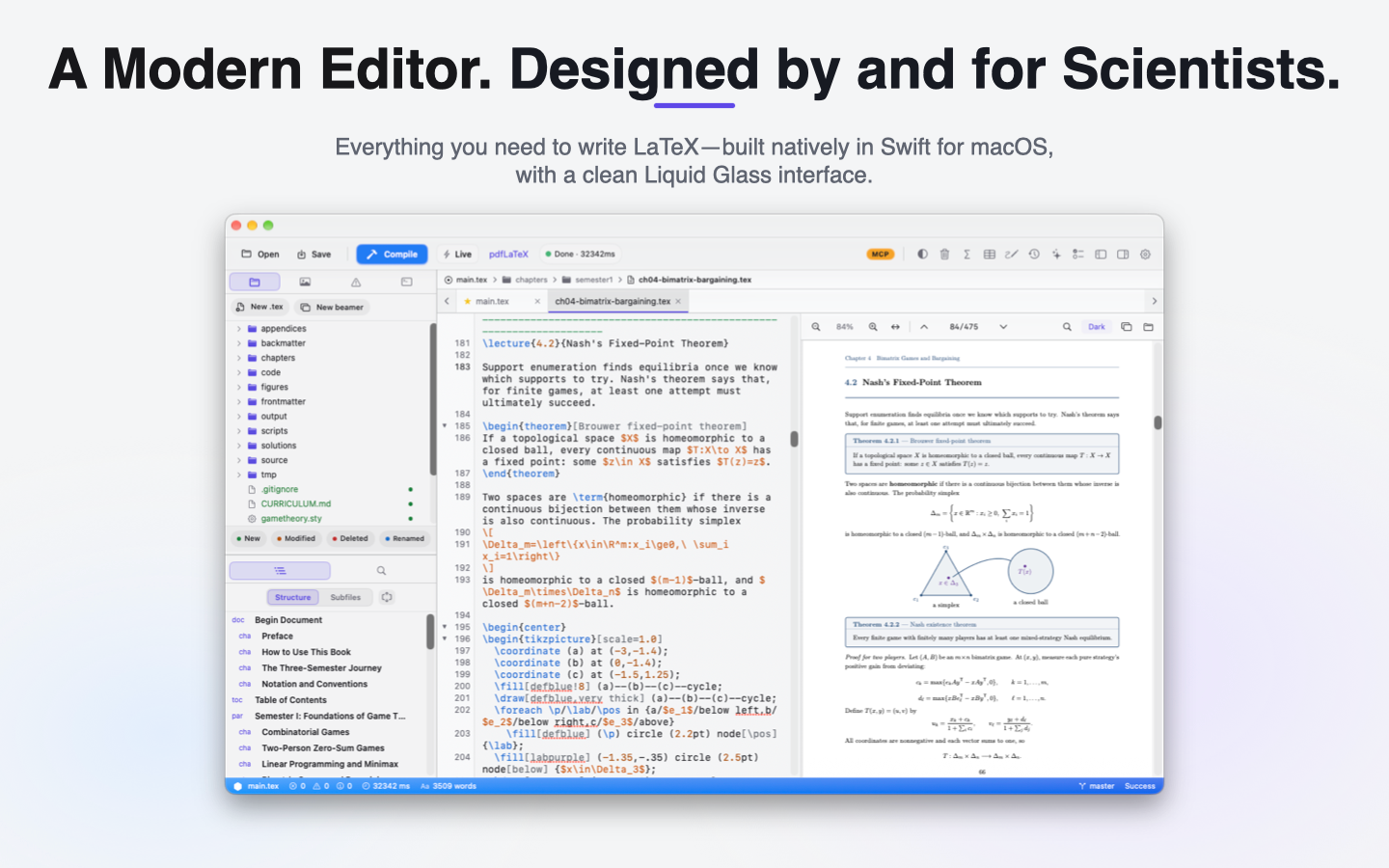
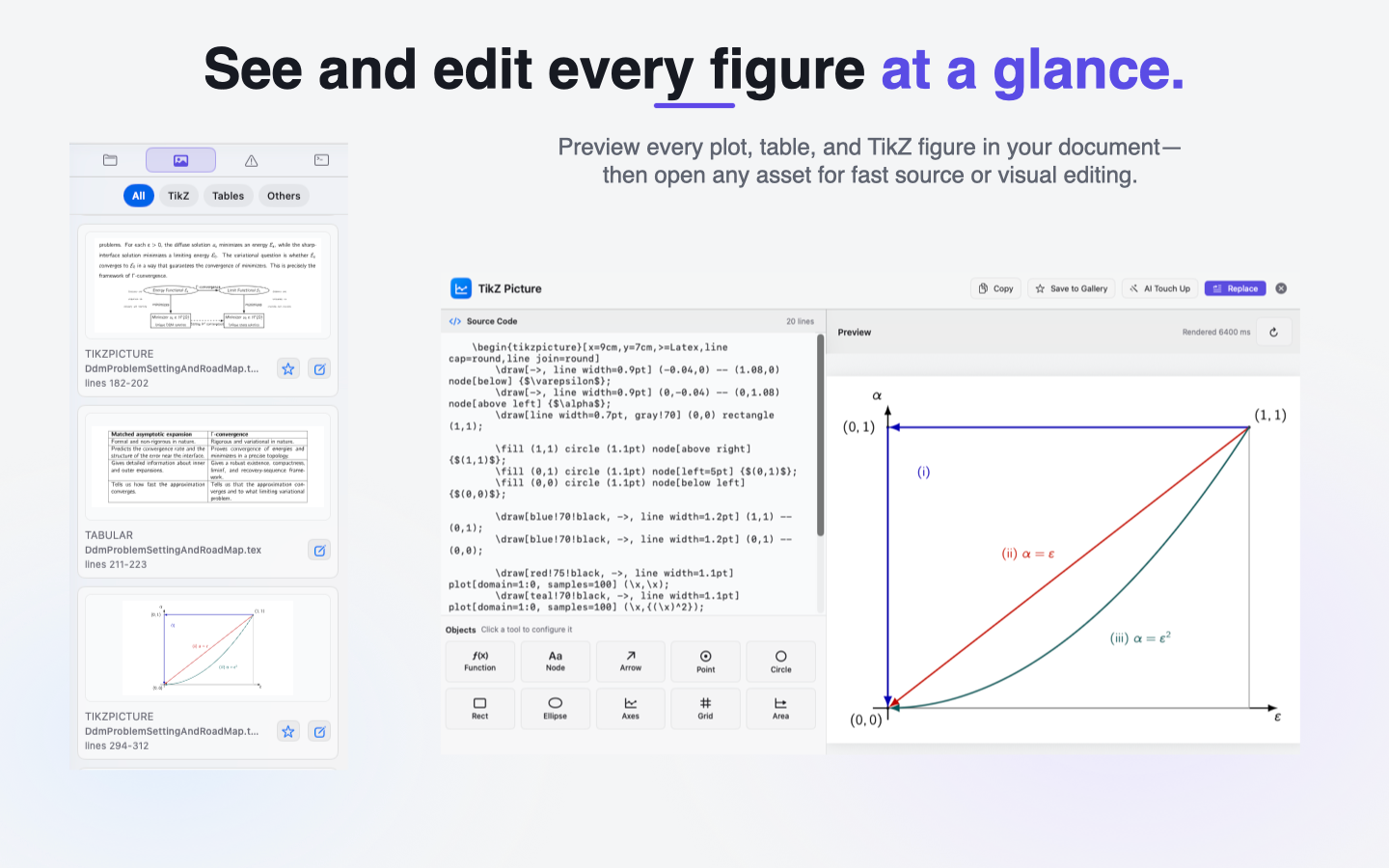
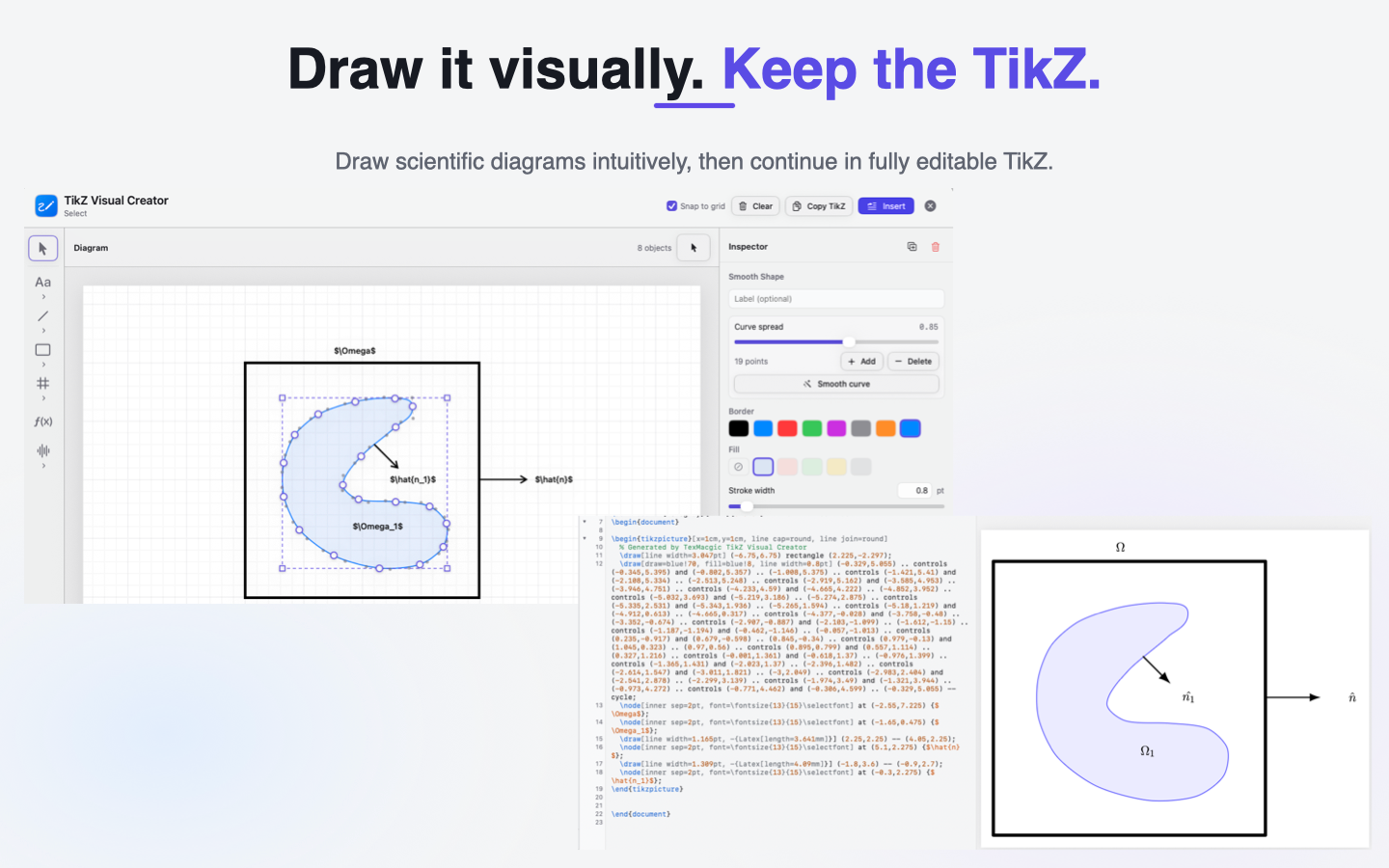
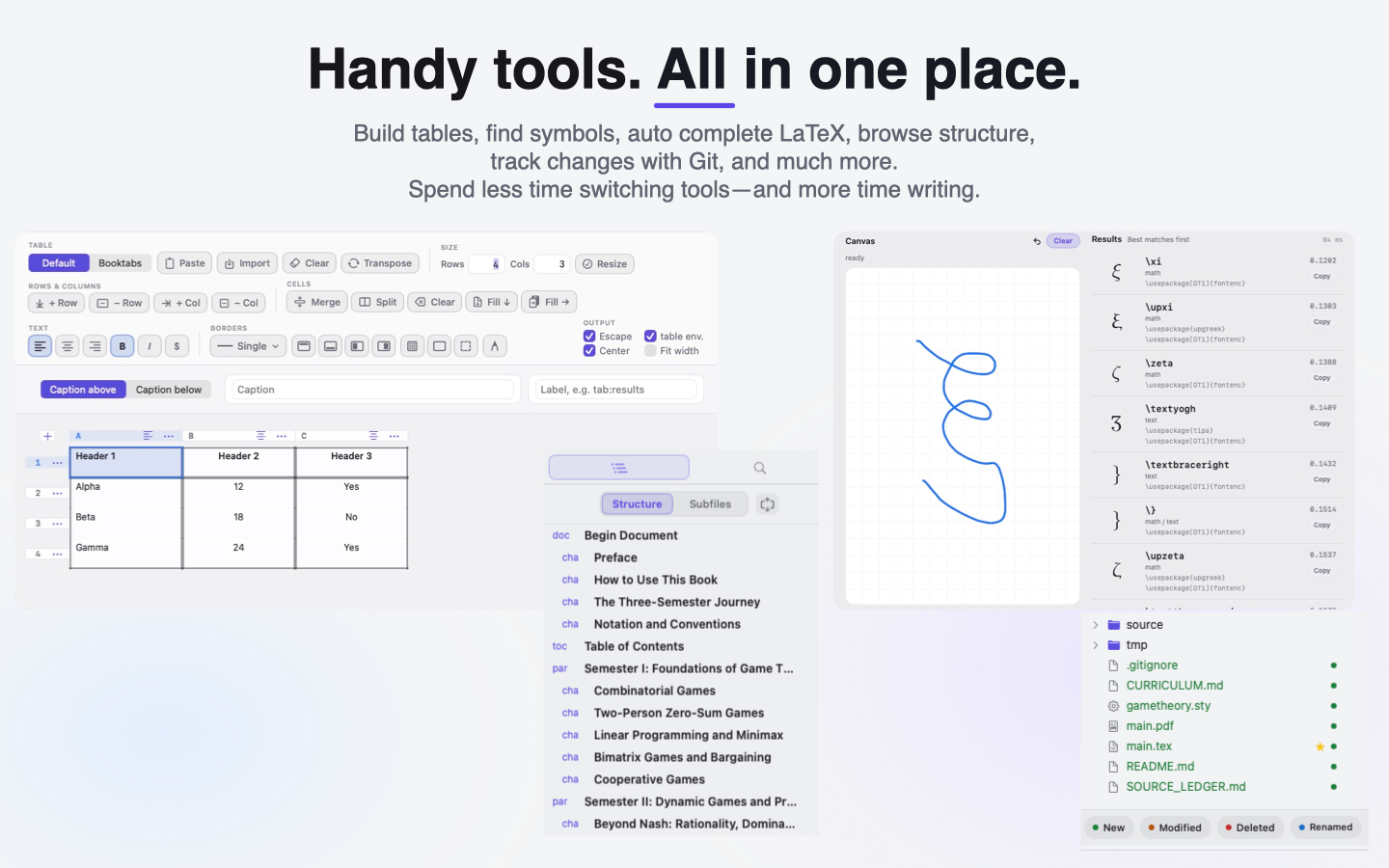
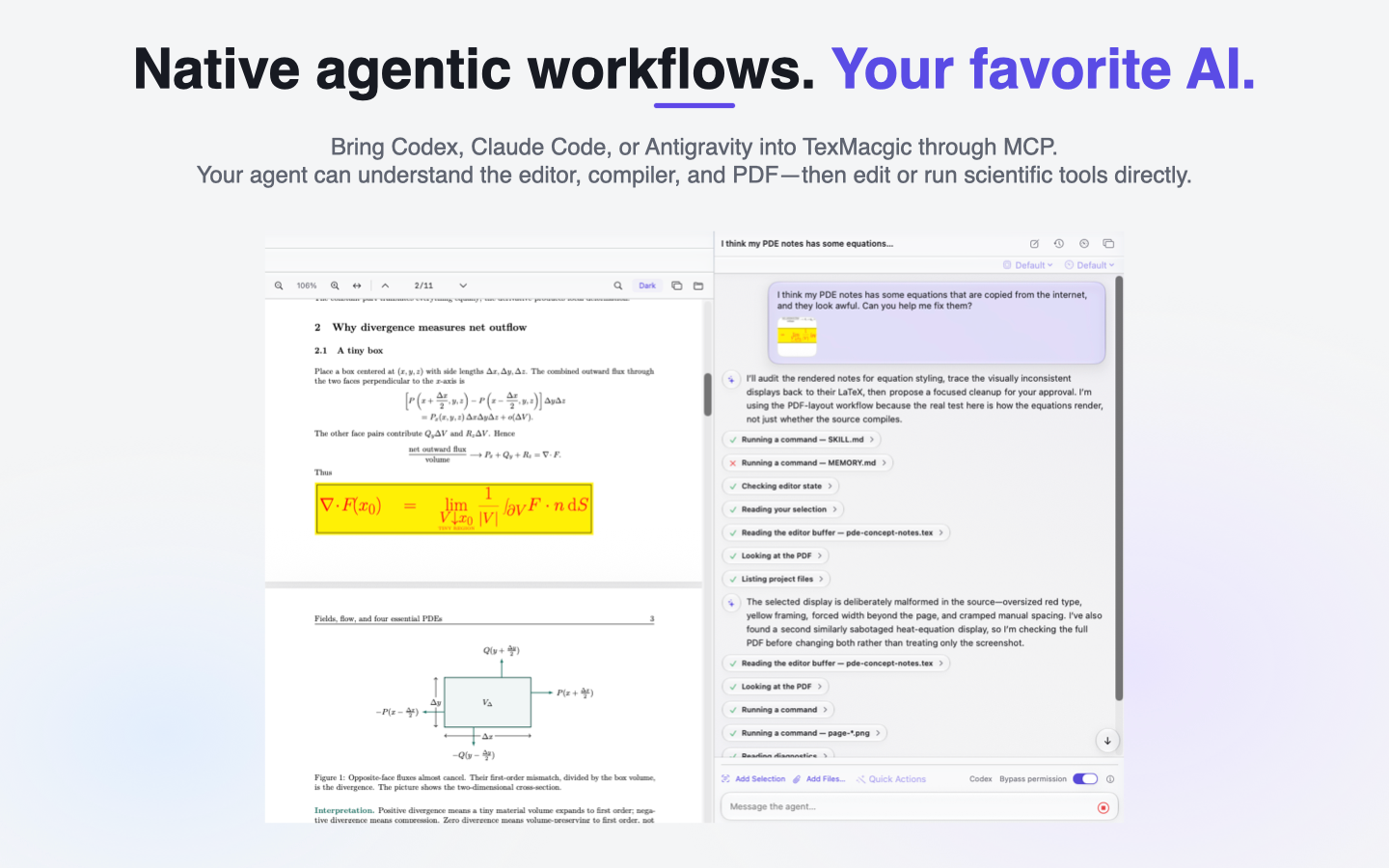
Five promotional screenshots from the official App Store listing.
Features
01 / Editing
Edit source with syntax highlighting, autocomplete, and snippets. Search the project and navigate between files.
02 / Compilation
Compile with MacTeX, TeX Live, or TinyTeX installed on your Mac. View compiler errors and use SyncTeX to move between source and PDF.
03 / Figures and tables
Preview equations, tables, figures, and TikZ code. The app also includes a visual table editor, TikZ Visual Creator, and TikZ Gallery.
Requirements
A compatible TeX distribution must be installed separately. Before opening your first project, complete the Enable Local TeX step described on the support page.
Setup & support →Agent setup and privacy
Install and sign into your chosen command-line provider separately. Power User mode also requires a user-started adapter setup. Before the first request, TexMacgic asks permission to send the provider your prompt and relevant project context, attachments, diagnostics, or tool results. Processing follows your provider account, settings, and privacy terms. You can revoke permission in Settings.
Privacy policy →The Mac App Store listing has the current compatibility requirements and screenshots.
Mac App Store ↗